Your whole agency,
in your pocket
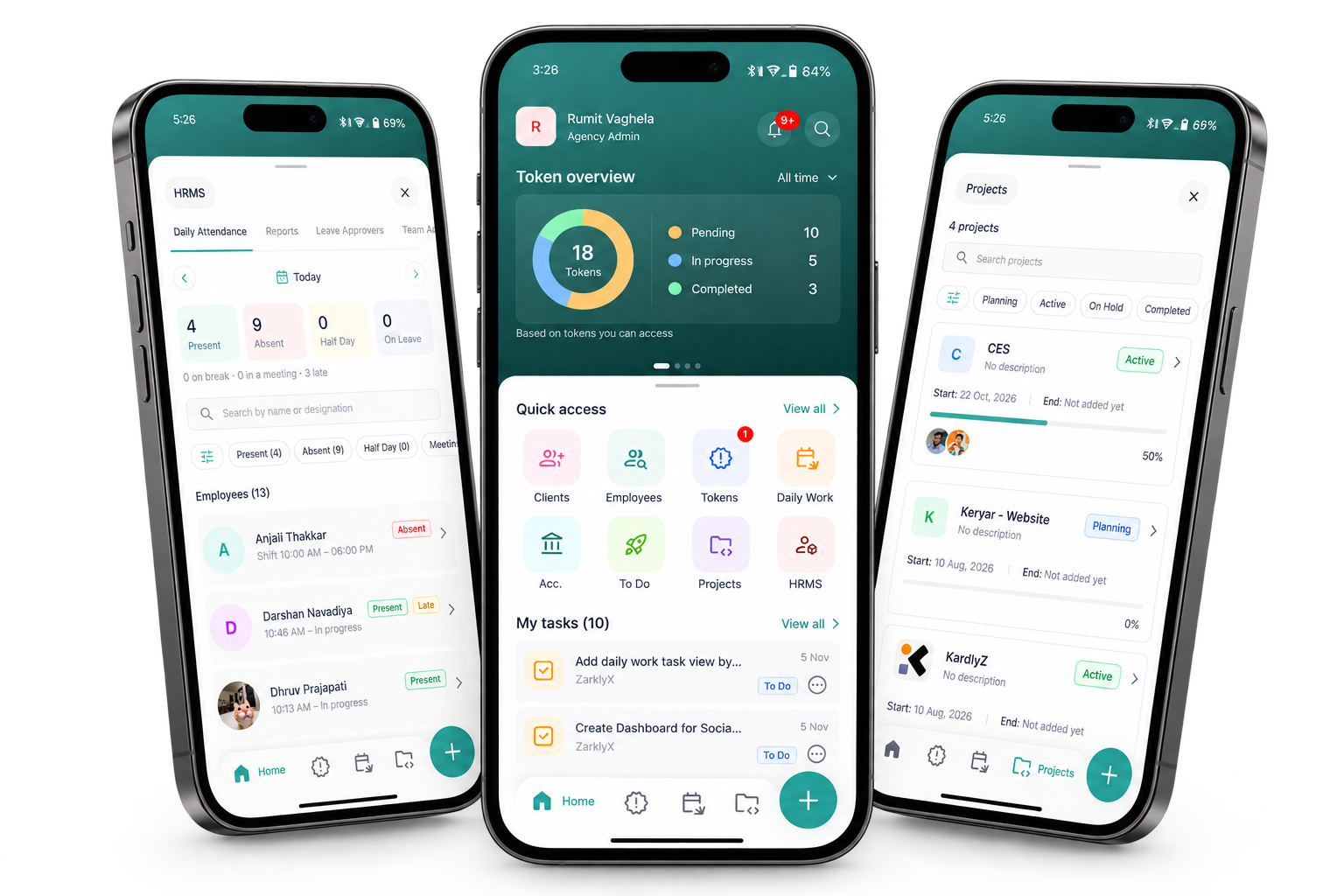
Move tokens, tick off tasks, log daily work and check in on your team from anywhere. Everything you run on ZarklyX, now on your phone.
- Tokens
- Projects
- Daily Work
- To-Dos
- Clients
- Employees
- HRMS
- Accounts
Benefits of the ZarklyX app
The work does not stop when you step away from your desk. The app keeps the parts that need you within reach, from new tokens to the day’s tasks.
Instant notifications
Know the moment a token is assigned to you or a task changes, without keeping a laptop open.
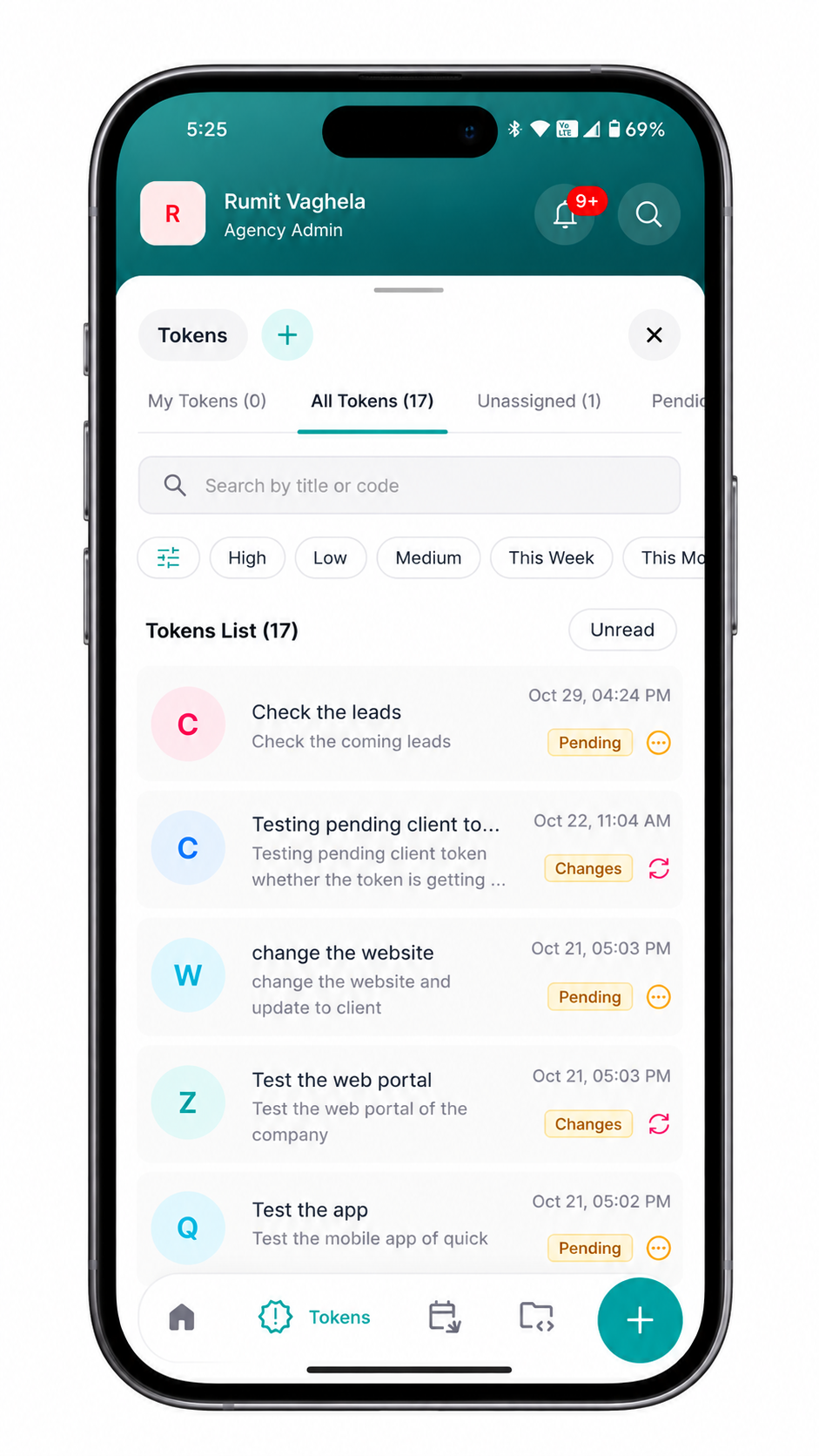
Tokens on the move
Open a client request, read the brief and move it from Pending to Completed in a couple of taps.
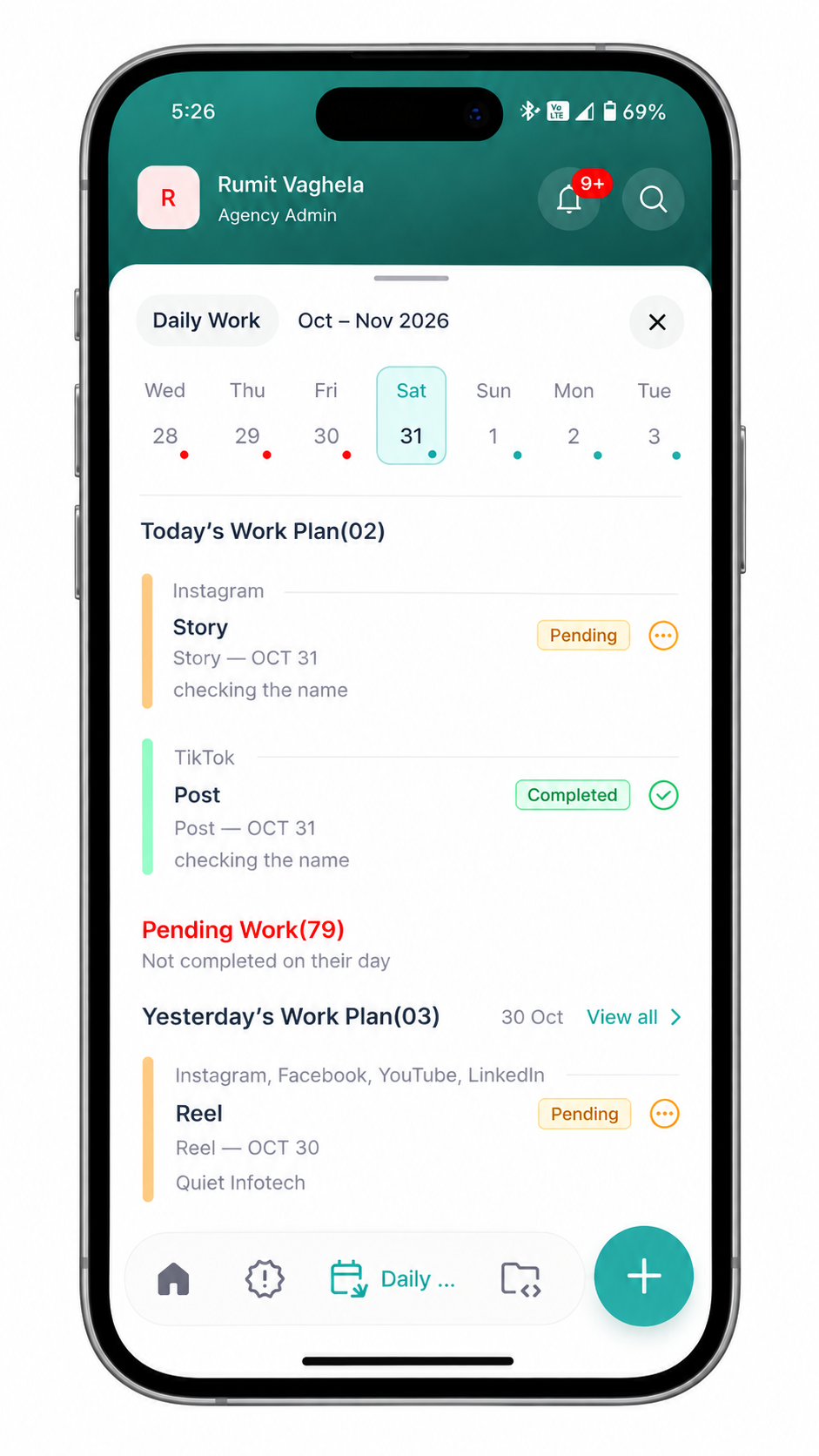
Daily work in seconds
Log what you worked on between meetings, so your daily report is never an end-of-day chore.
Your team at a glance
Look up a client, an employee or an HRMS record the moment someone asks, wherever you are.
Discover what you can do on the go
See every request at a glance
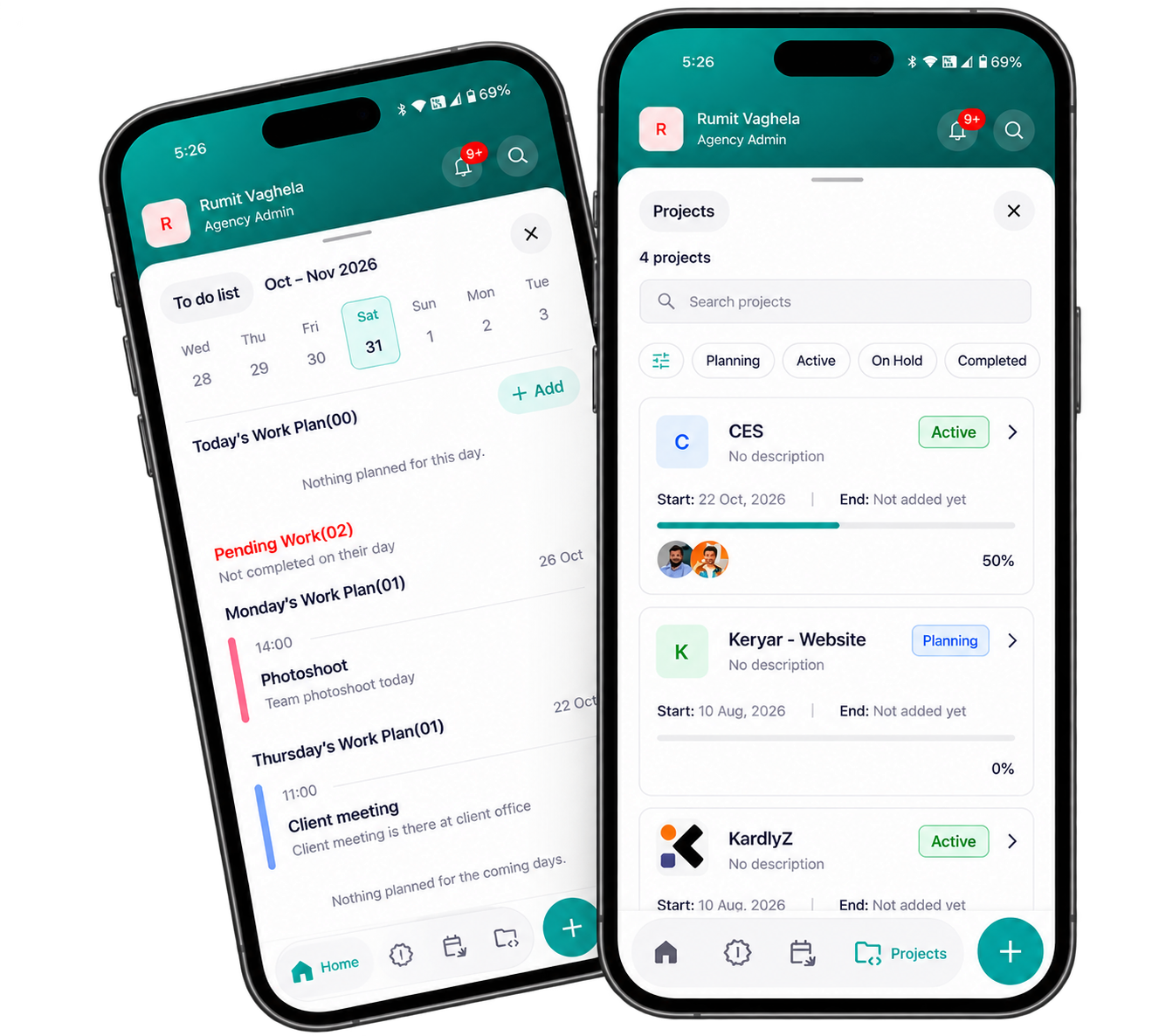
Your home screen opens on the token overview: what is pending, in progress and completed across the tokens you can access.
- Pending
- In progress
- Completed
Your tasks, always in reach
My Tasks lists everything assigned to you, so you can pick up the next one between meetings and tick it off when it is done.
- Approve Instagram carouselBrand launch
- Update client onboarding docOperations
- Share weekly report with clientRetainer
Every module, one tap away
Quick access puts clients, tokens, projects, HRMS and more right on your home screen.
Up and running in four steps
From download to your first completed task, here is how the app fits into your day.
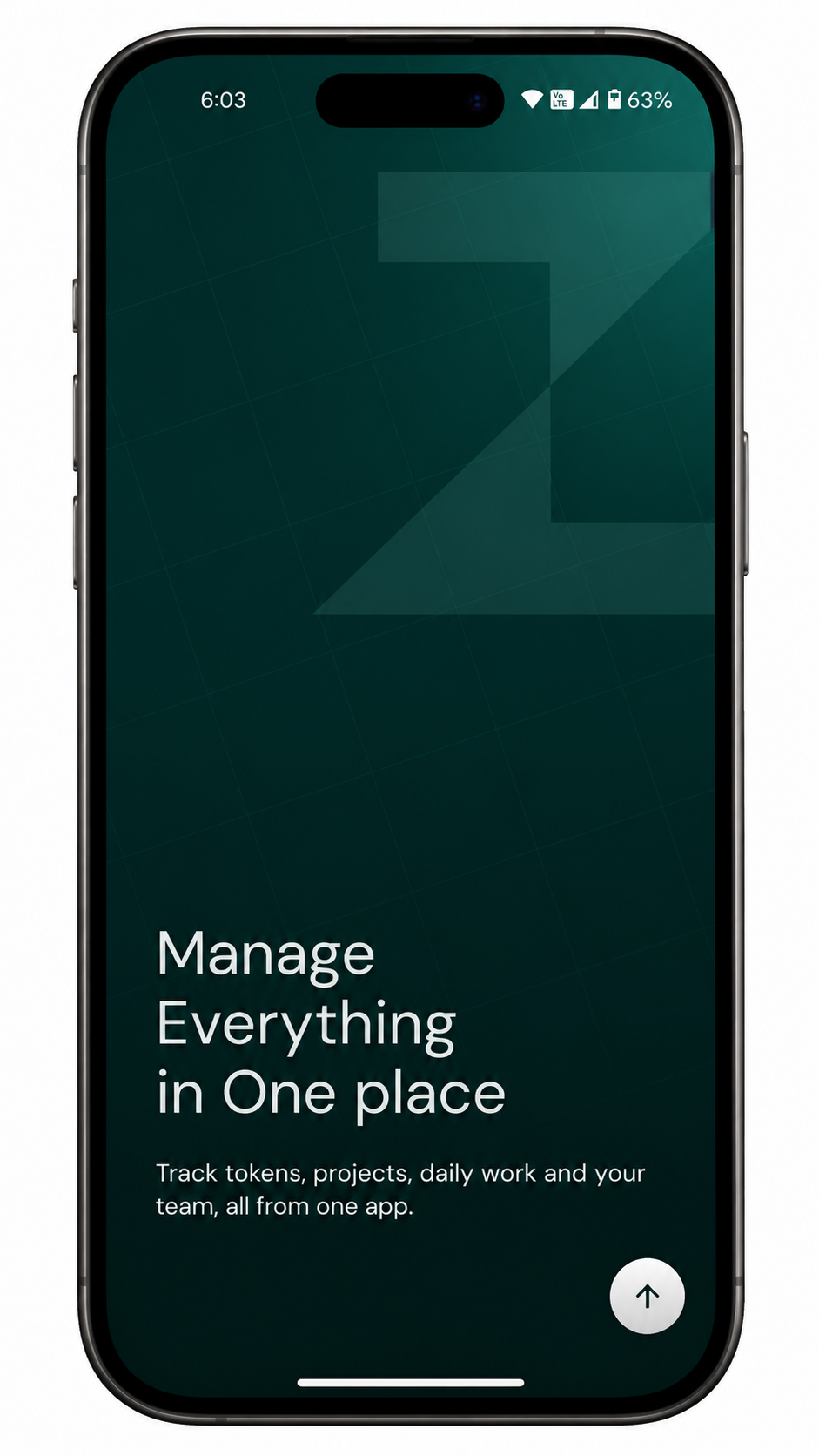
1. Download ZarklyX
Install the app on your phone and you are one sign-in away from your workspace.
- Available now on Google Play
- The iOS app is coming soon to the App Store
- Use the buttons on this page to go straight to the listing
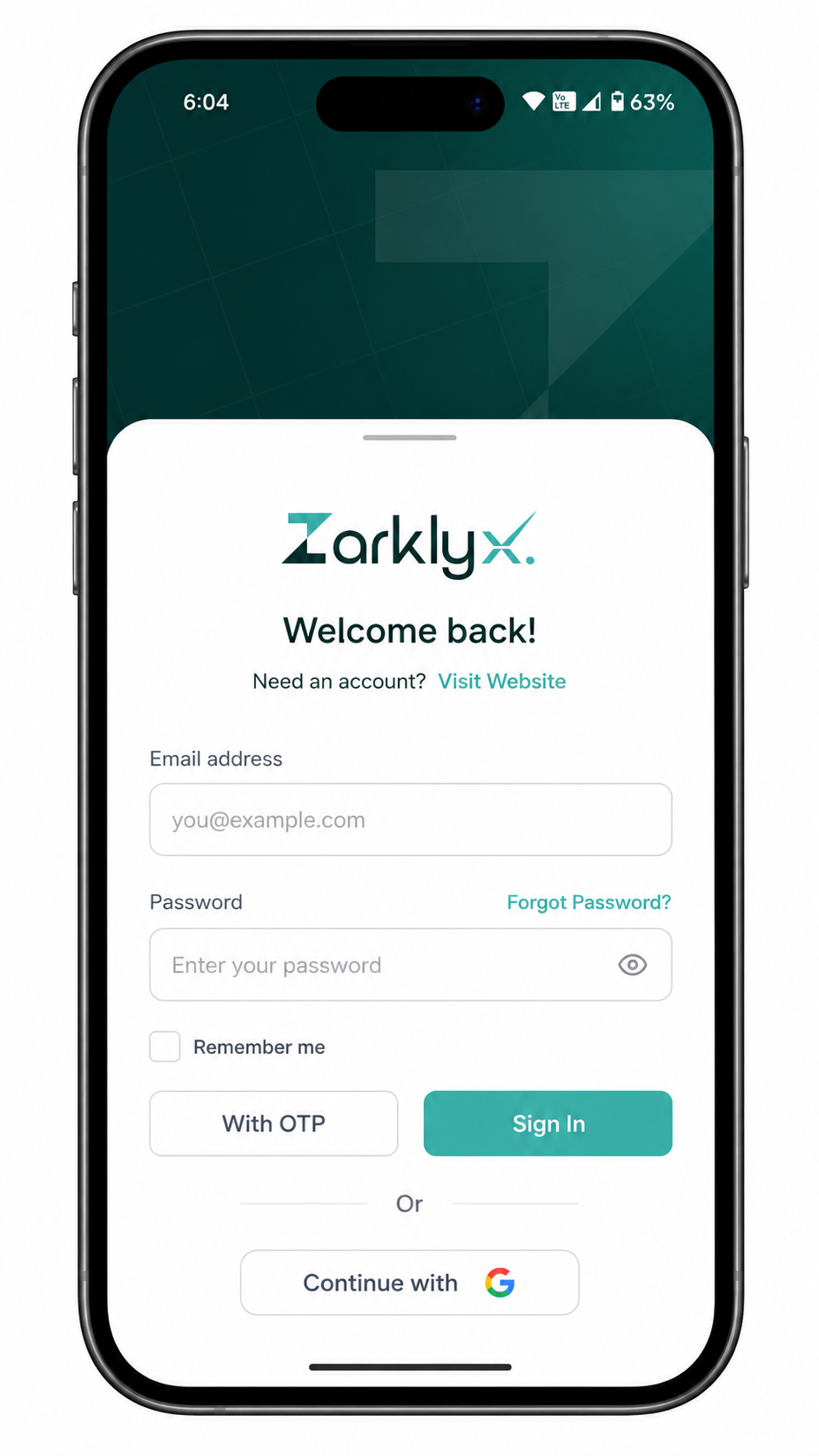
2. Sign in to your workspace
Use the account you already use on the web. There is nothing new to set up.
- Same login as the ZarklyX web app
- Your clients, projects and team are already there
- Switch between phone and browser whenever you like
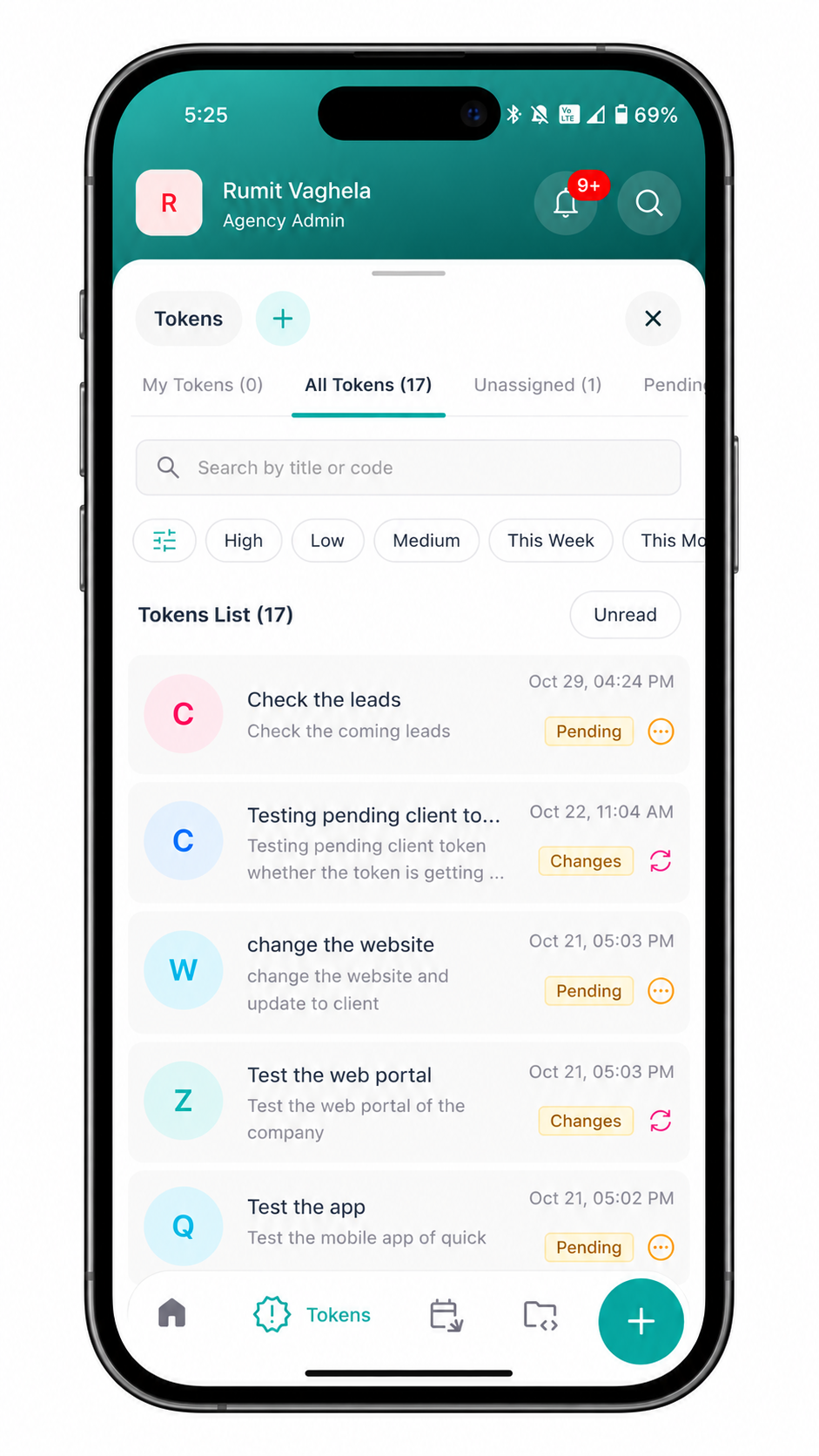
3. Stay on top of every token
See what needs you the moment you open the app, and act on it right there.
- Pending, in-progress and completed tokens at a glance
- Open the brief, files and comments on any request
- Get notified the moment something is assigned to you
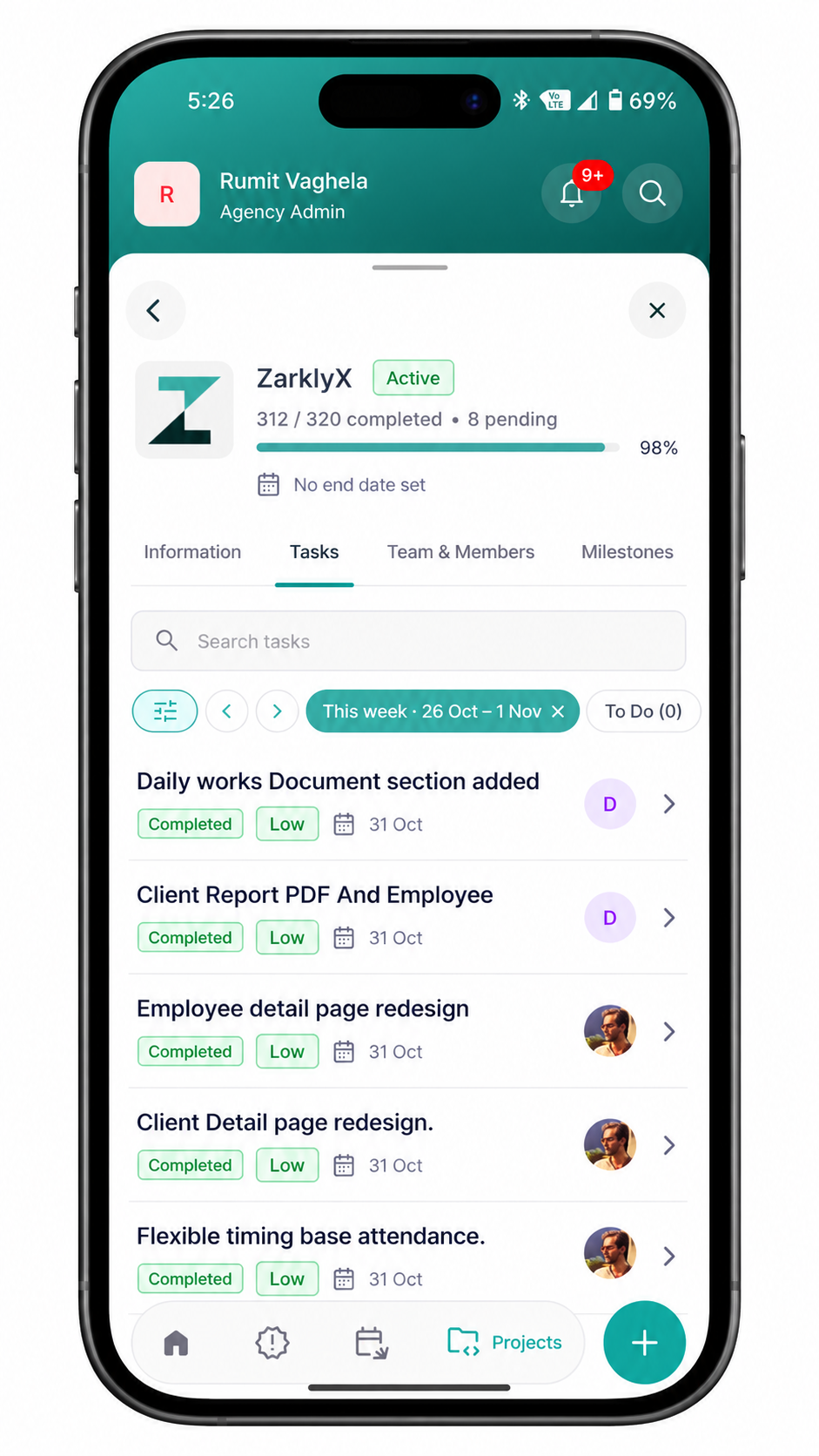
4. Get work done from anywhere
The small jobs that fill your day fit into the gaps between meetings.
- Tick off tasks from My Tasks
- Log daily work while it is still fresh
- Look up clients, employees and HRMS records on the go
Connected to the tools you already use
One workspace, linked to the platforms your team works in every day.


Frequently asked questions
Take ZarklyX
wherever you go
Download the app, sign in with your ZarklyX account and pick up right where you left off on the web.